
In the mobile phone repair business, screen replacement remains one of the most common services — and often one of the most profitable, especially for iPhones. Whether it’s cracked glass, unresponsive touch, or dead pixels, many customers delay the repair because of the cost, until the problem finally becomes impossible to ignore.
And once they walk into your shop, they expect you — the repair expert — to know exactly what to do.
- LCD or OLED — which one actually performs better?
- Are cheap screen assemblies worth the risk?
- Is OLED truly superior to LCD in every case?
- How do you avoid issues like battery drain or ghost touches after a repair?
- And should the customer bother fixing it, or is it time for an upgrade?
What sounds like simple questions often turns into a maze of technical details — made even more confusing by the mixed opinions you see across social media. Let’s take a look at what real users are saying online.
🗨️What Users Are Really Saying Online
@Alex92
“Honestly, I like incell screens — pretty good bang for your buck. Not 100% color accurate, but to the average eye, almost indistinguishable from OEM.”
@Sophie_L
“They’re awful. I had an LCD on a 12 Pro — overheating, rapid battery drain, touch issues. Switched to a soft OLED and it was a night-and-day difference.”
@MannyTech
“You simply can’t find a soft OLED that’s affordable and reliable. Most cheap OLEDs are a risk.”
@iFixForU
“I’ve never had real functional issues with iPhone X or XS LCD replacements, except they do drain the battery faster.”
@Lila_Snaps
“My bf’s 13 Pro got an LCD and battery life is horrible now. Colors are off and ghost touches happen all the time.”
@AlexWong1990
“OLEDs are supposed to be better, but I tried one on an 11 Pro and meh… my iPhone 8 Plus LCD actually looked more vibrant at full brightness.”
@Mia_Visuals
“There are crappy OLEDs and solid LCDs. It just depends on what you buy and what kind of warranty backs it.”
Not LCD vs OLED — But Good vs Bad Screens
From the above, it’s clear:
“A lot of people assume OLED is always the “premium” option and LCD is just the cheap fallback.”
The truth?
- A low-quality OLED can actually perform worse than a solid LCD — we’re talking heat issues, flickering, ghost touches, even burn-in.
- A well-made LCD, on the other hand, can be bright, sharp, stable, and way more reliable over time.

The real difference lies in:
- overall value
- touch performance
- outdoor brightness and color tuning
- whether it keeps True Tone
- and what kind of warranty you’re getting
Why NCC Incell LCD Screens Are the Smarter Choice
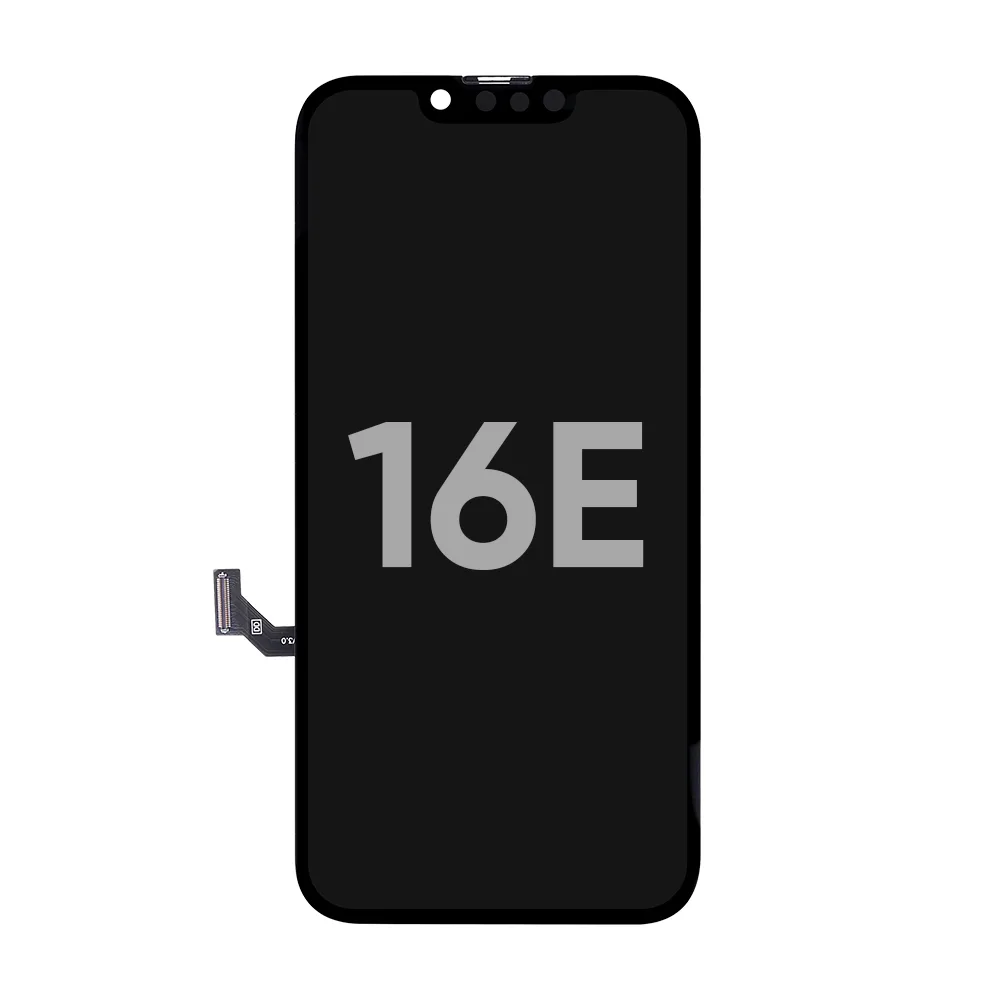
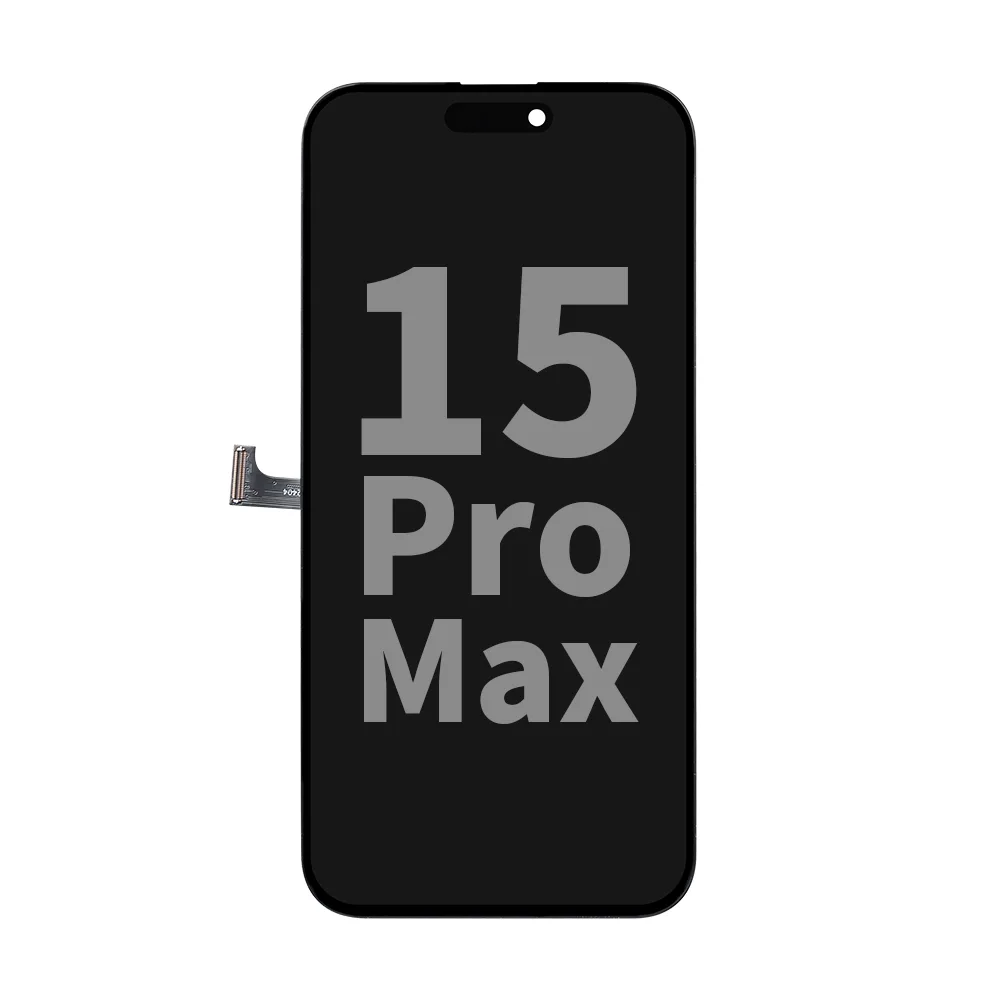
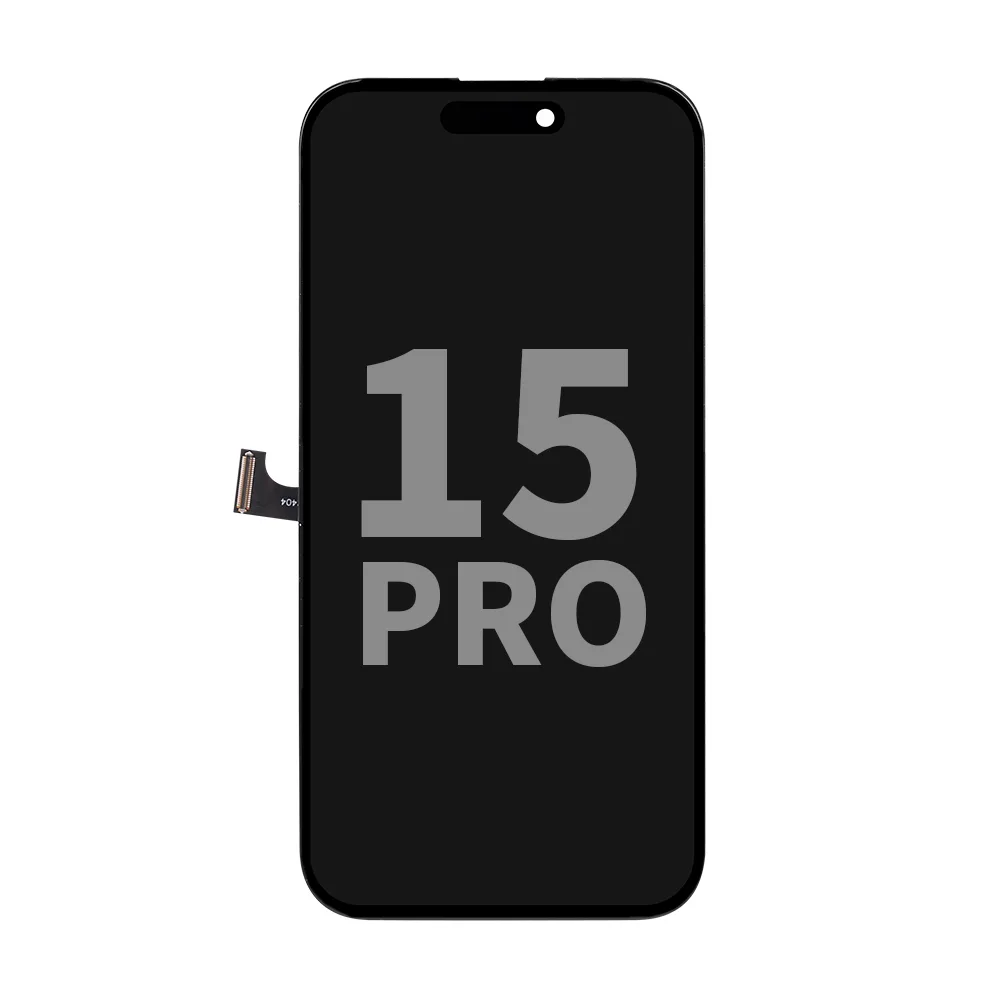
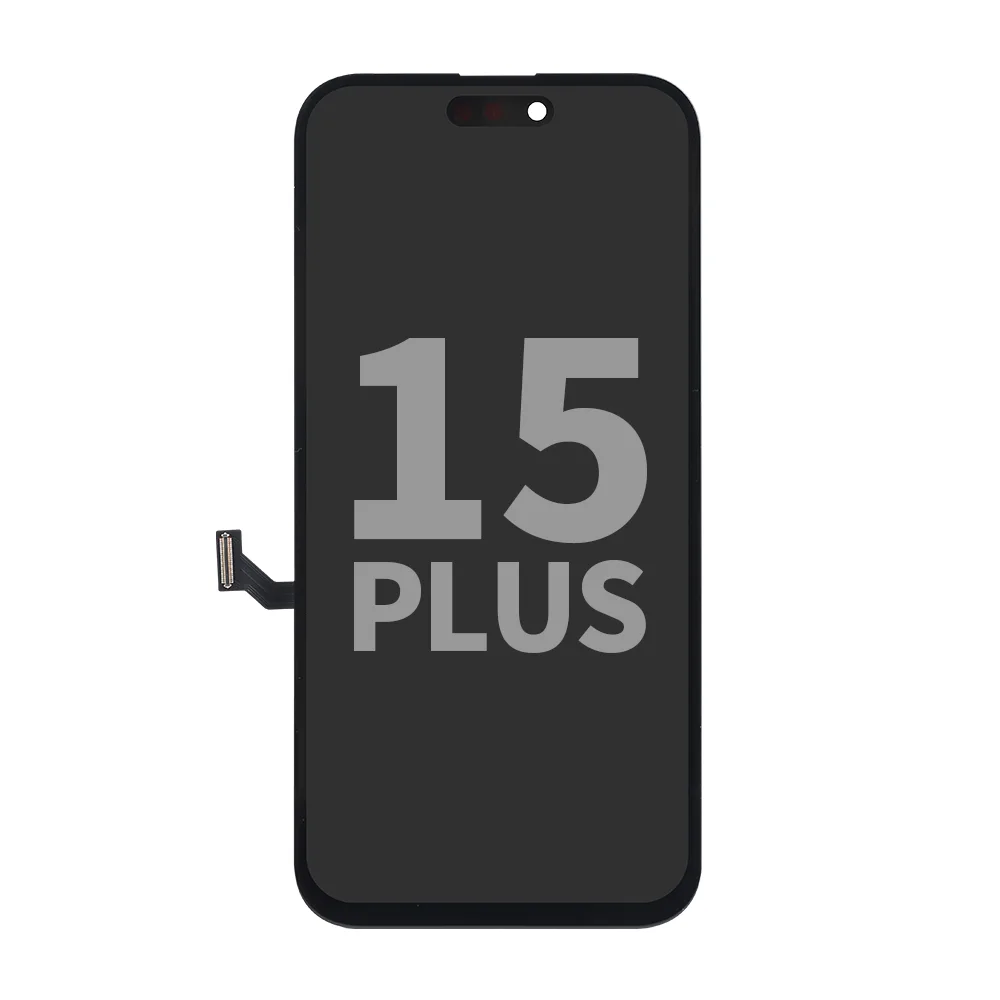
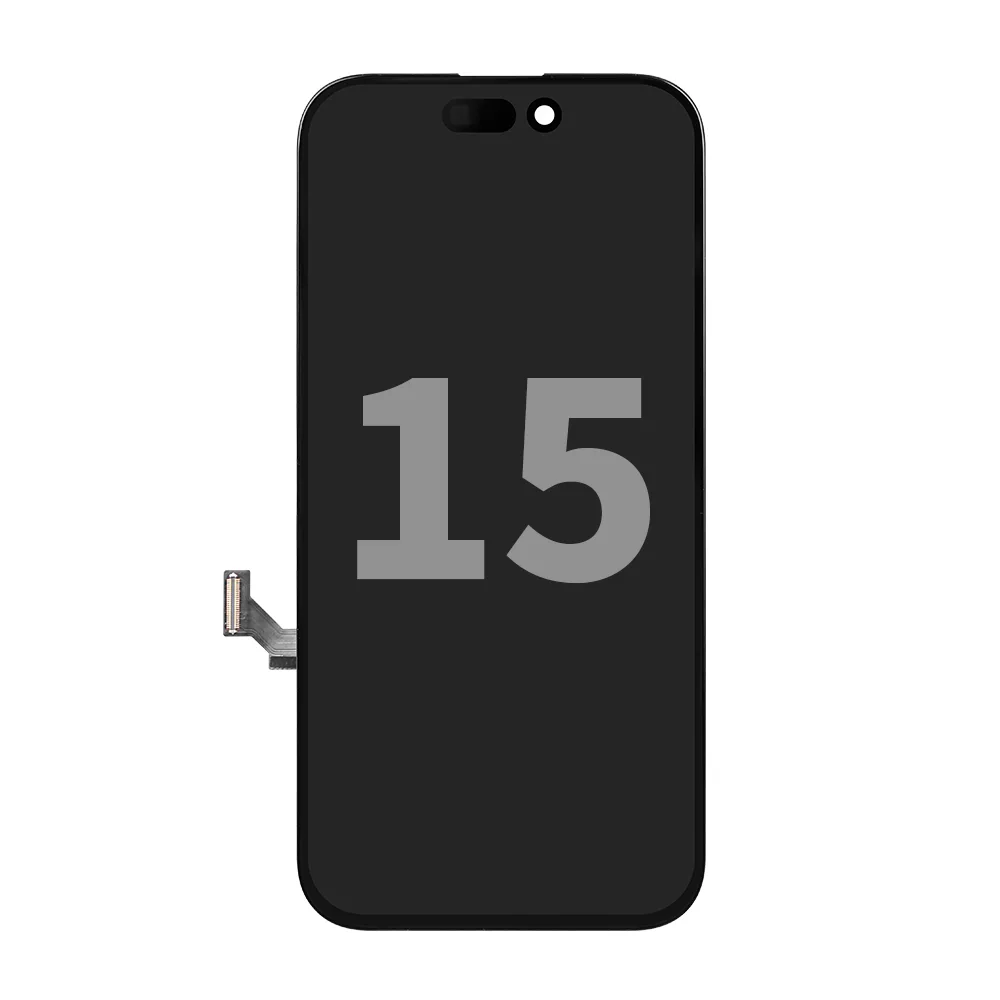
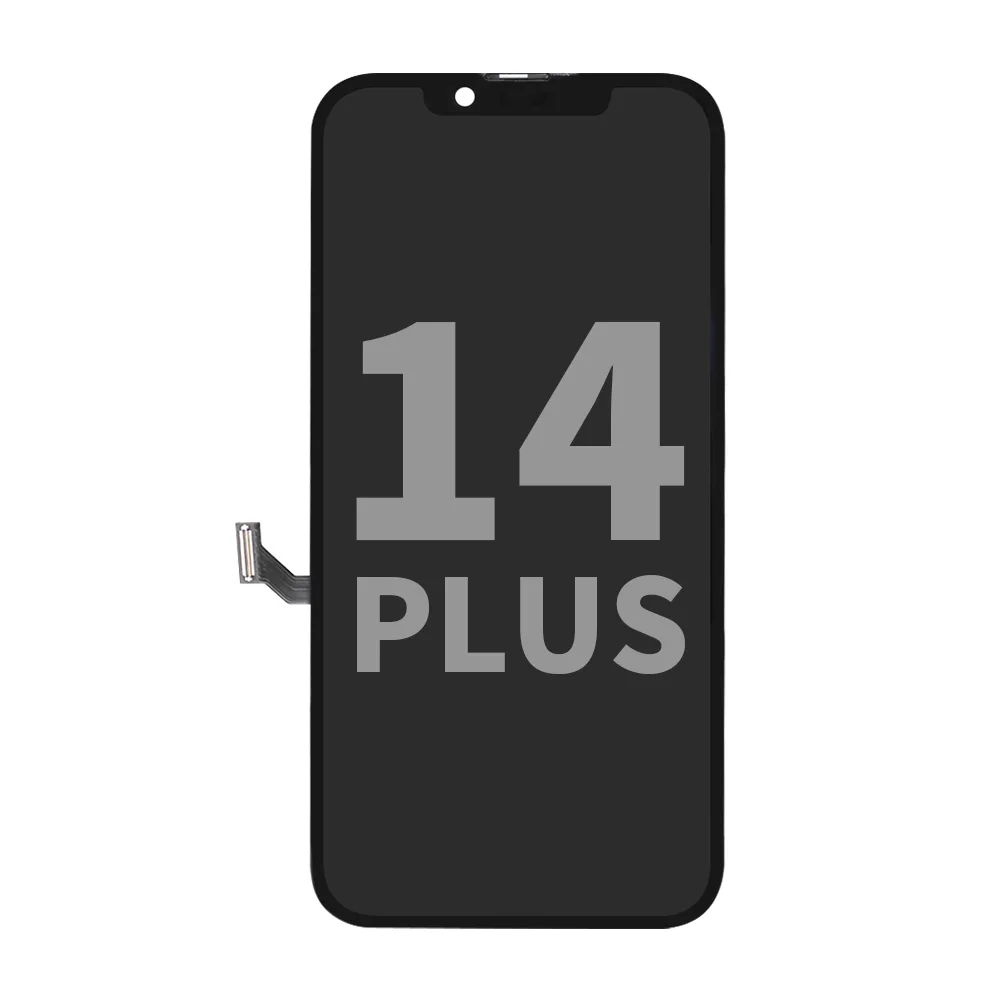
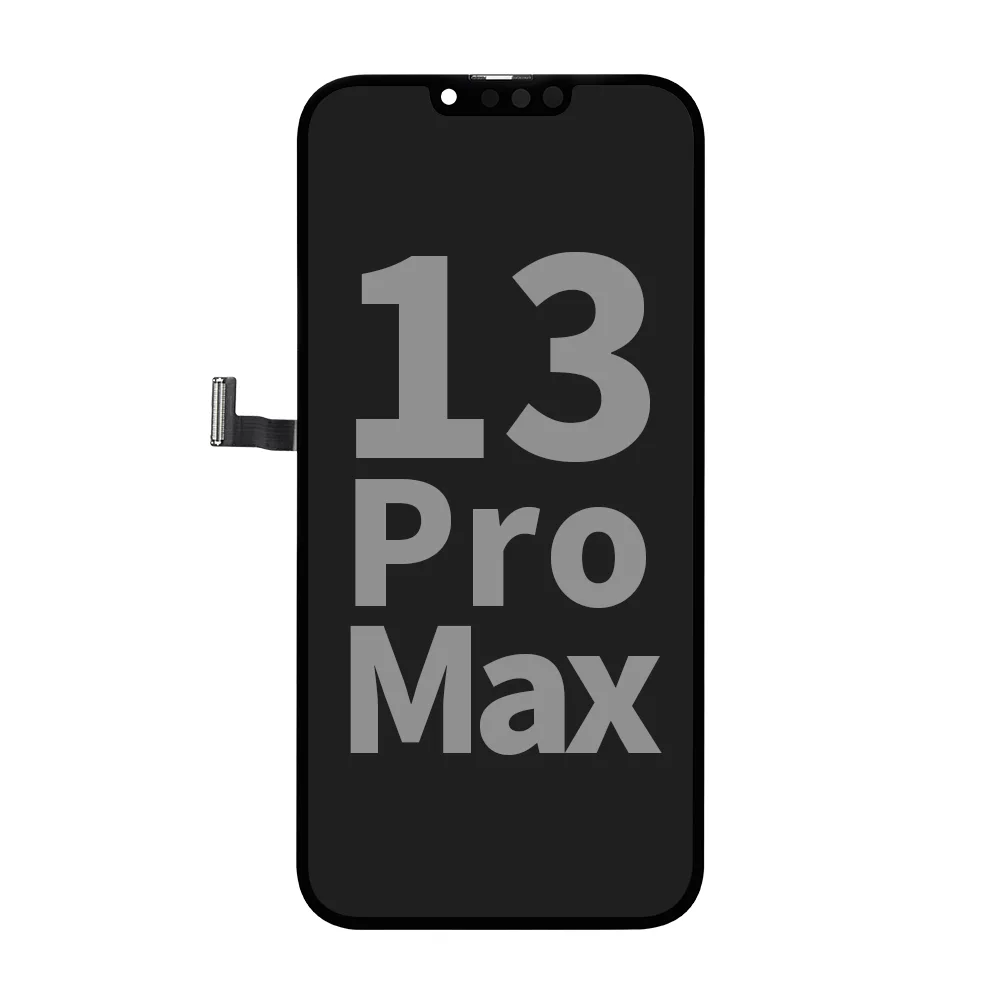
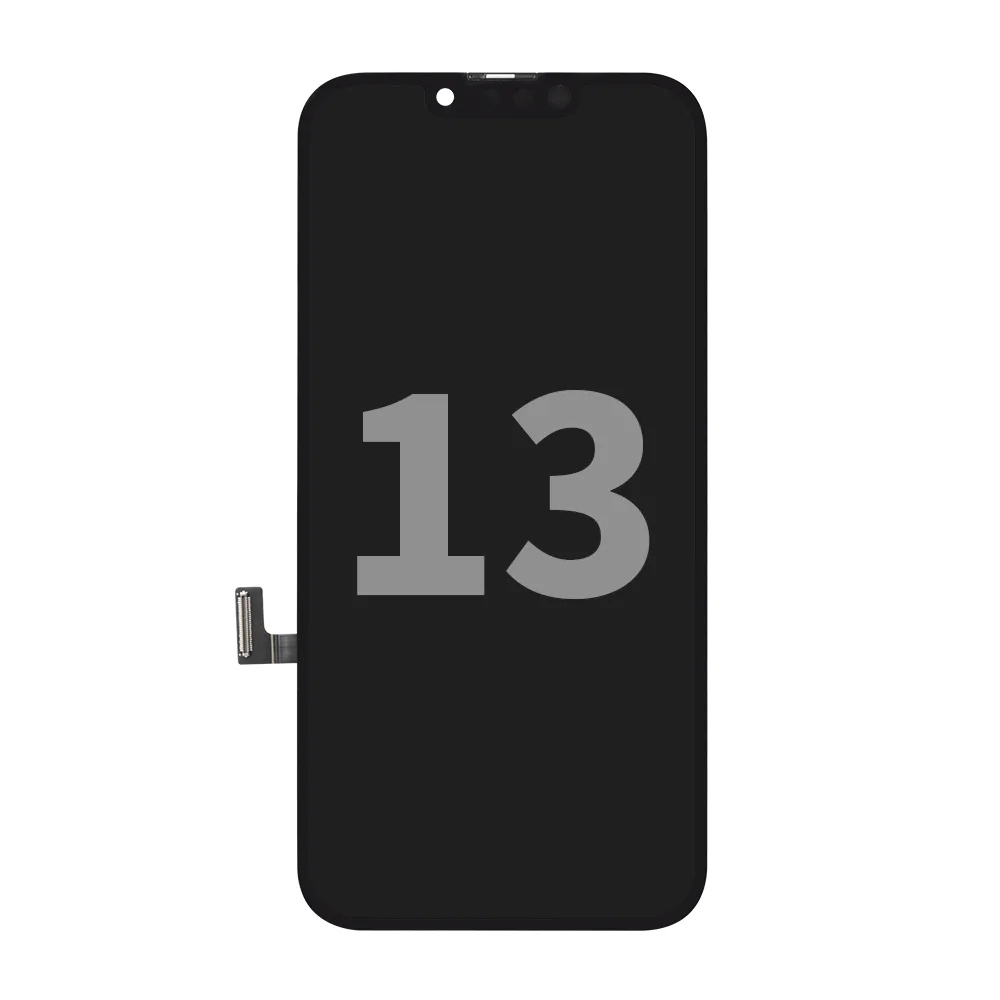
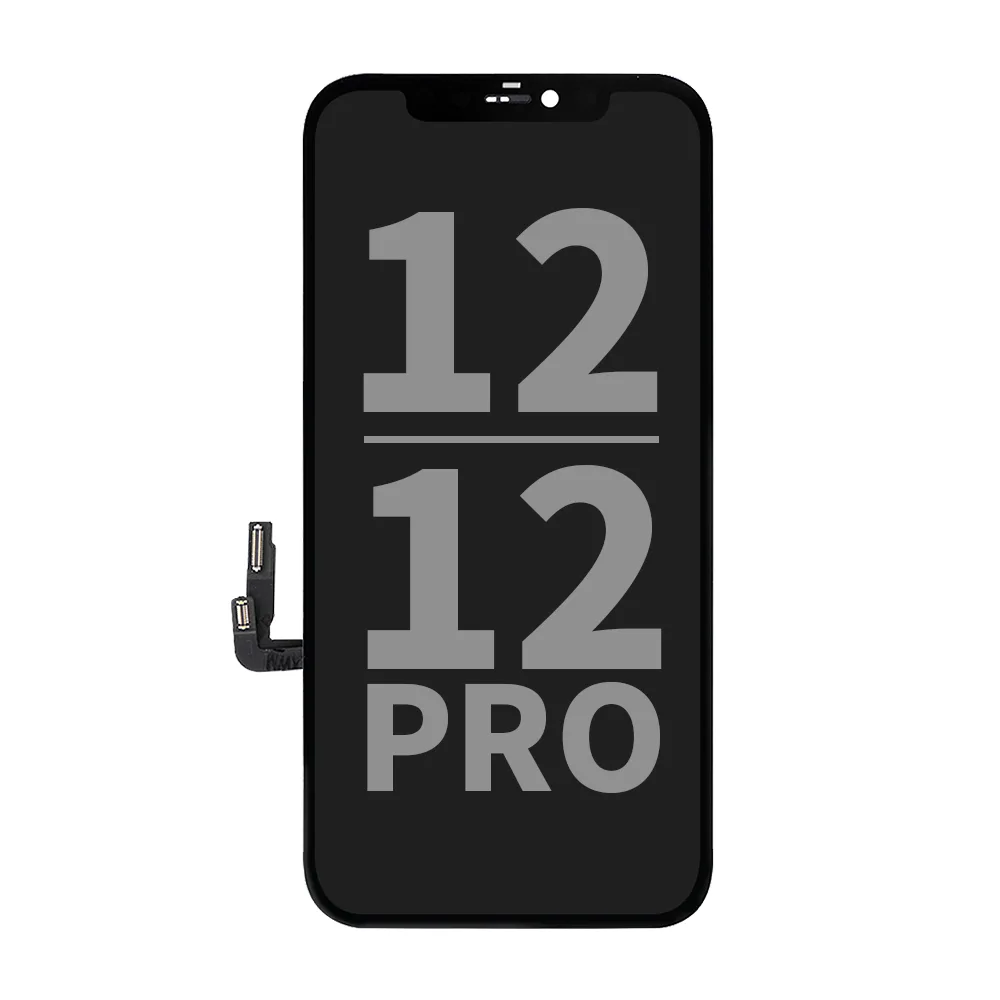
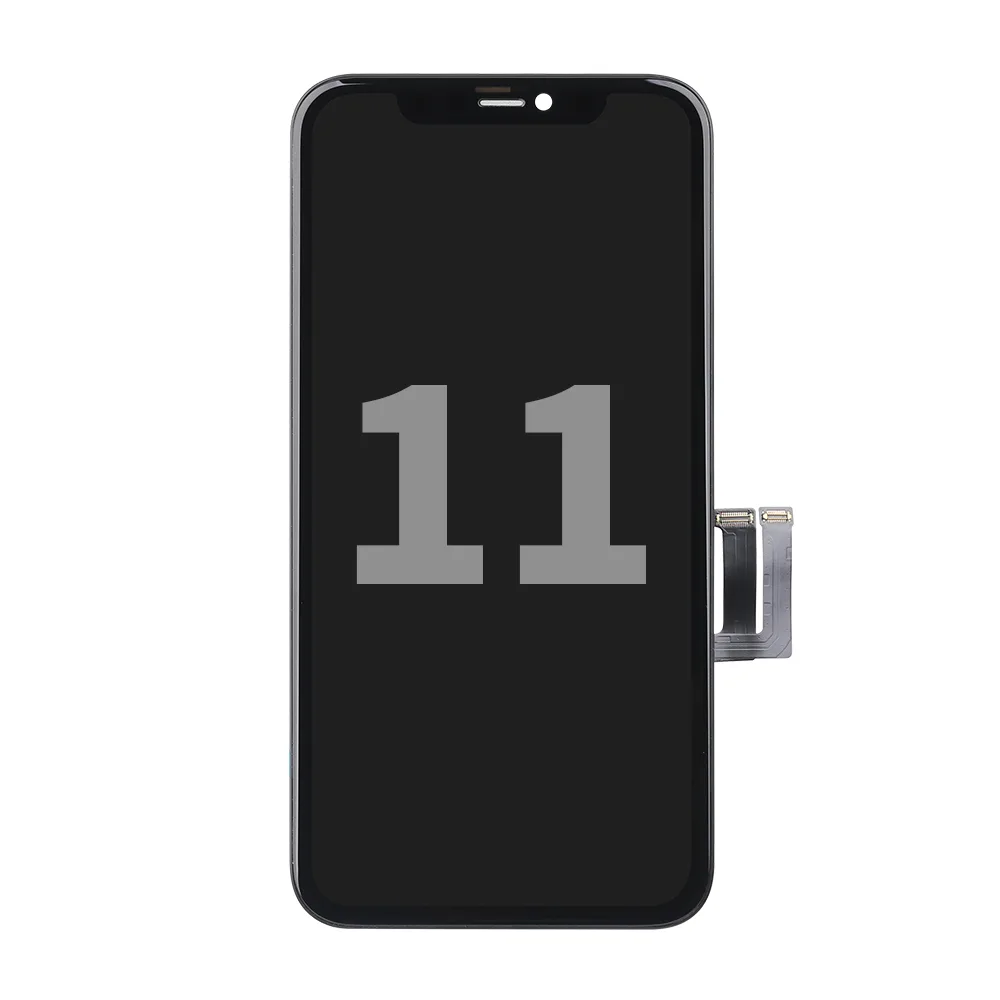
For many repair shops across Europe, NCC’s prime incell LCD screen assemblies have become a go-to option — good performance, dependable quality, and pricing that actually makes sense for both the shop and the customer.
We designed our screens to directly solve the issues mentioned by real users.
Key Benefits:
- High Brightness 800±50 cd/m² — stays clear under direct sunlight, without the usual glare struggle.
- Low Heat Generation Optimized for temperature control — no overheating or backlight hot zones.
- Eye Comfort, Flicker-Free True Tone supported, no PWM flickering, reduces eye fatigue.
- Vivid, Wide Color Range NTSC ≥ 98.5% — natural, saturated colors close to original display quality.
- Responsive, Stable Touch No ghost touch, no lag — smooth multi-touch control.
- Wide Viewing Angles — stays clear even with sunglasses on and from most angles.
- Reliable Warranty — a full 12-month warranty that keeps repair shops and customers worry-free.
Power Consumption: Not Always OLED Wins
One of the biggest myths in screen replacement:
“OLED saves battery, LCD drains it.”
It depends.
| Panel Type | Power Use Characteristics |
|---|---|
| OLED | Self-emissive pixels. Saves energy in dark UIs. BUT: shows higher drain on bright content (white/Google/Maps, etc). |
| LCD | Uses constant backlight. Slightly higher base drain in dark mode, but often more efficient in bright UI environments. |
In day-to-day use, especially at high brightness, LCD may consume less power overall.
Key Advantages of Incell LCD Screen
- No Burn-in: OLEDs can permanently retain images after long usage — LCDs don’t.
- Eye-Safe: NCC display assembly use DC dimming — no invisible flicker, ideal for sensitive users.
- Cost-Efficient: Compared to OLED, LCD gives better margins and more predictable performance.
Final Takeaway for Repair Shops
OLED is a great technology — but only when it’s built right. The same applies to LCD.
In today’s market, the type of screen matters far less than the quality of the screen.

NCC Prime incell LCD screen assemblies are:
- Built for performance
- Calibrated for color and touch
- Designed to last
- Protected by warranty
- Priced for professional repair business growth
So, if you’re tired of gambling on random quality — switch to NCC.
Let your customers feel the difference.
Let your business grow with fewer complaints and better repairs.